

Dear colleagues,
According to the rules of ticket issuance for scheduled flights, in case of a no-show on any flight segment, the remaining segments of the itinerary are automatically canceled. Please make sure that new tickets are issued for all segments of the previously issued route and provide us with the details required to arrange the transfer.
1. Go to the tour search for the destination you are interested in.
Select a suitable tour marked as “GDS”:
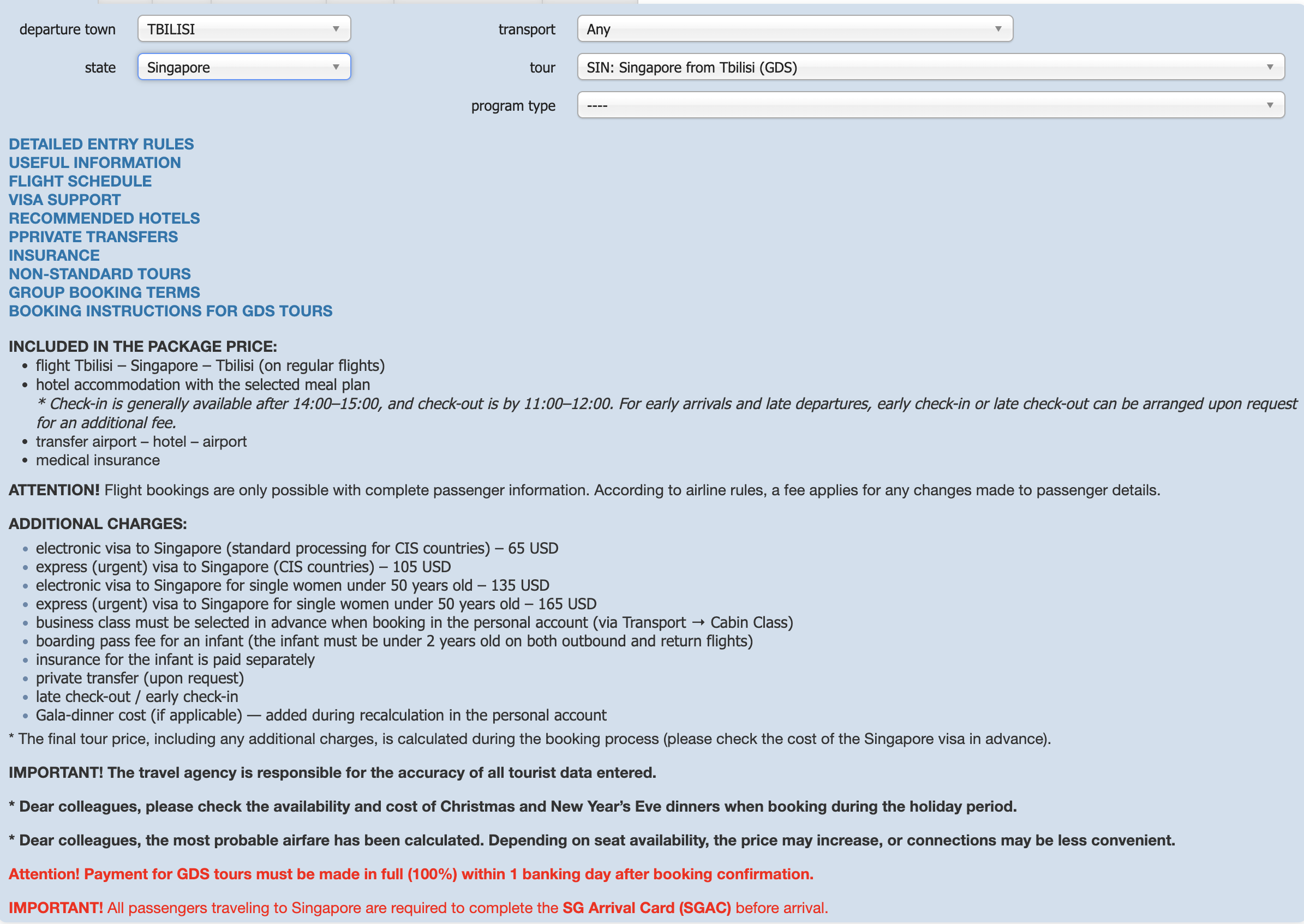
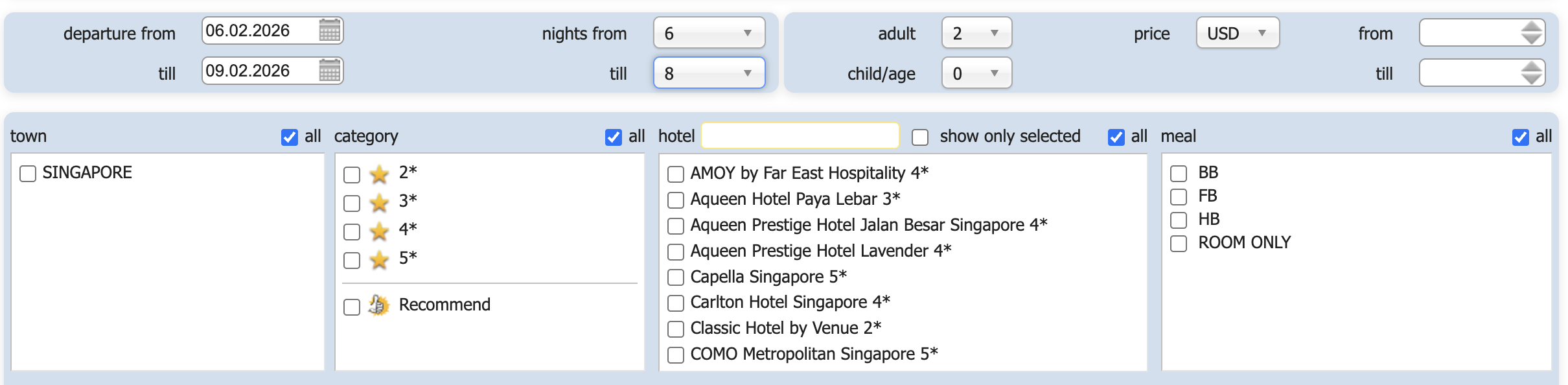
2. Set all required parameters and click the “Search” button:
3. The system displays the search results based on the selected parameters:
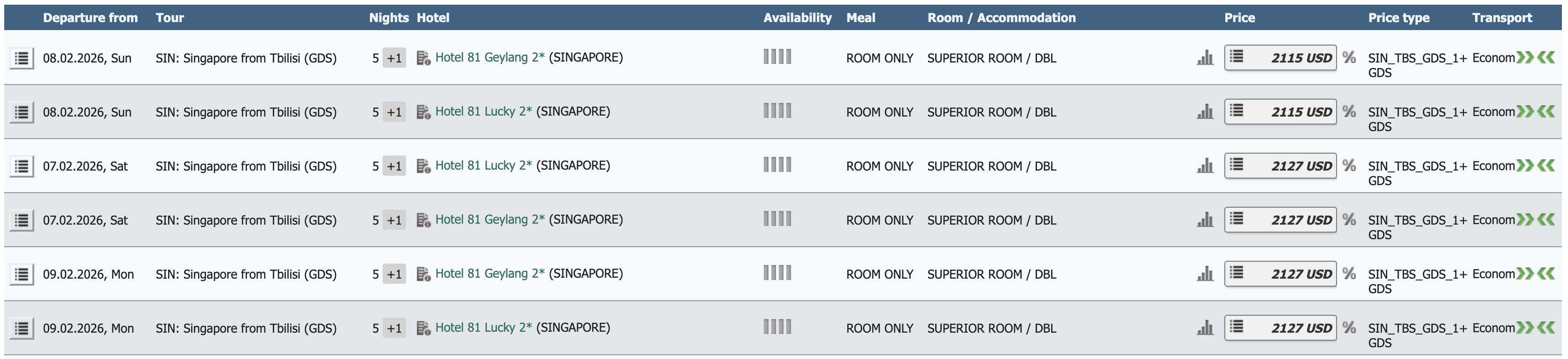
Please note that the tour price is not final, as it depends on the selected flight and may change at the next stage of flight selection. To proceed to the flight selection stage, click on the price of the selected tour.
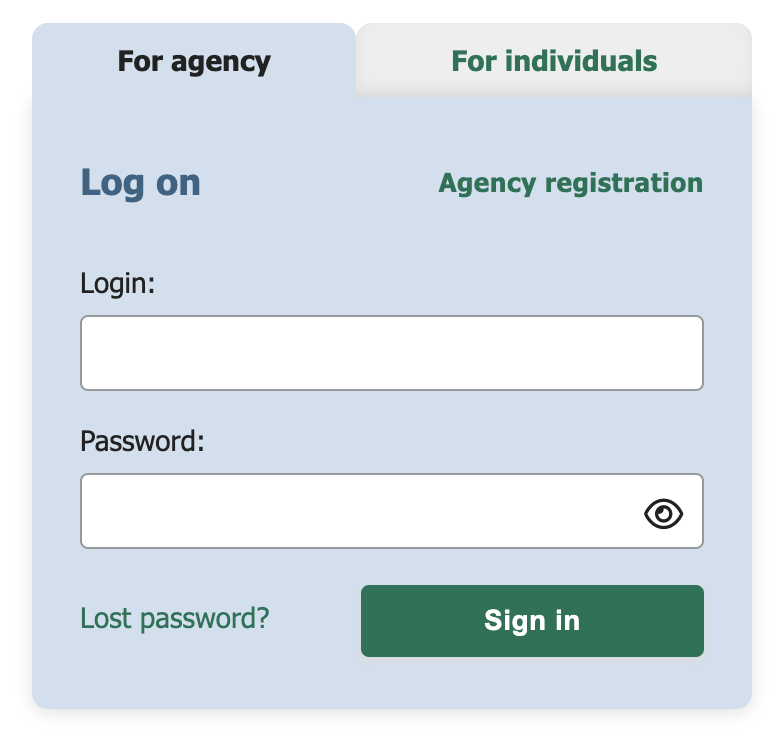
4. Enter the login and password provided to you at the time of signing the contract for online tour booking:
5. At this stage, you can review the tour description, important information, destination country, tour duration, and number of nights:
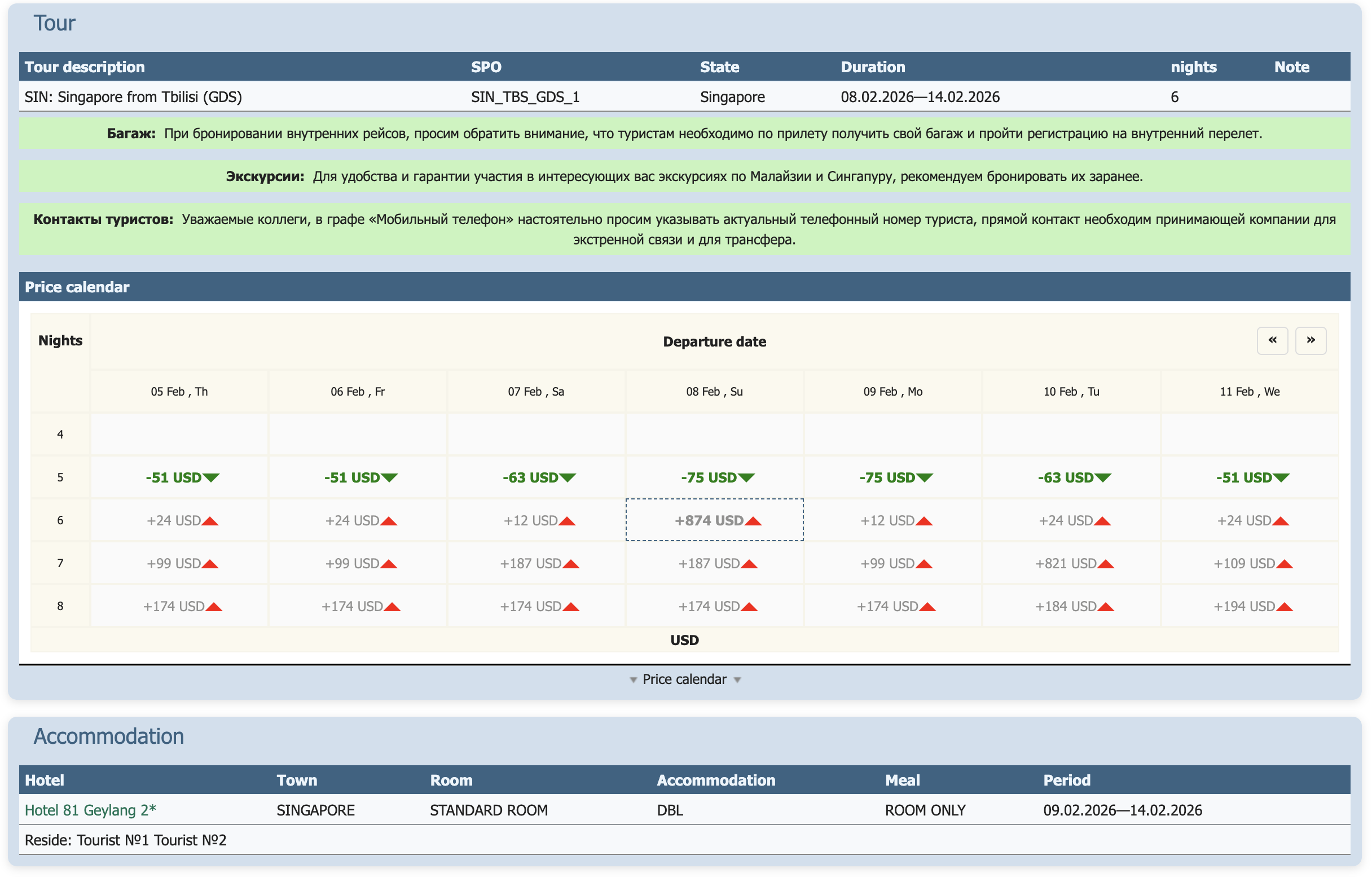
6. In this form, you can select a specific flight, service class, preferred flight time parameters, and see the surcharge for the selected flight:
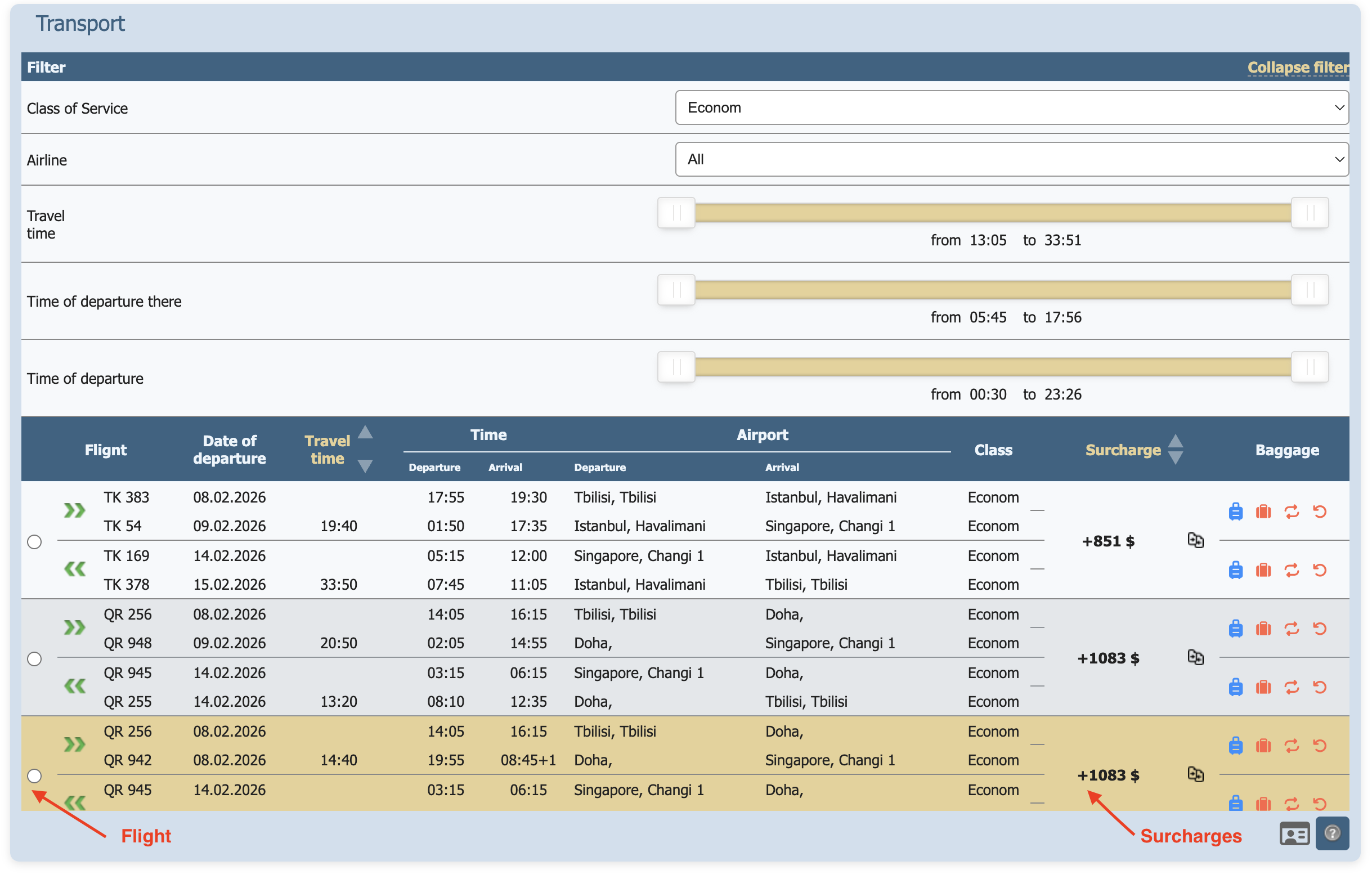
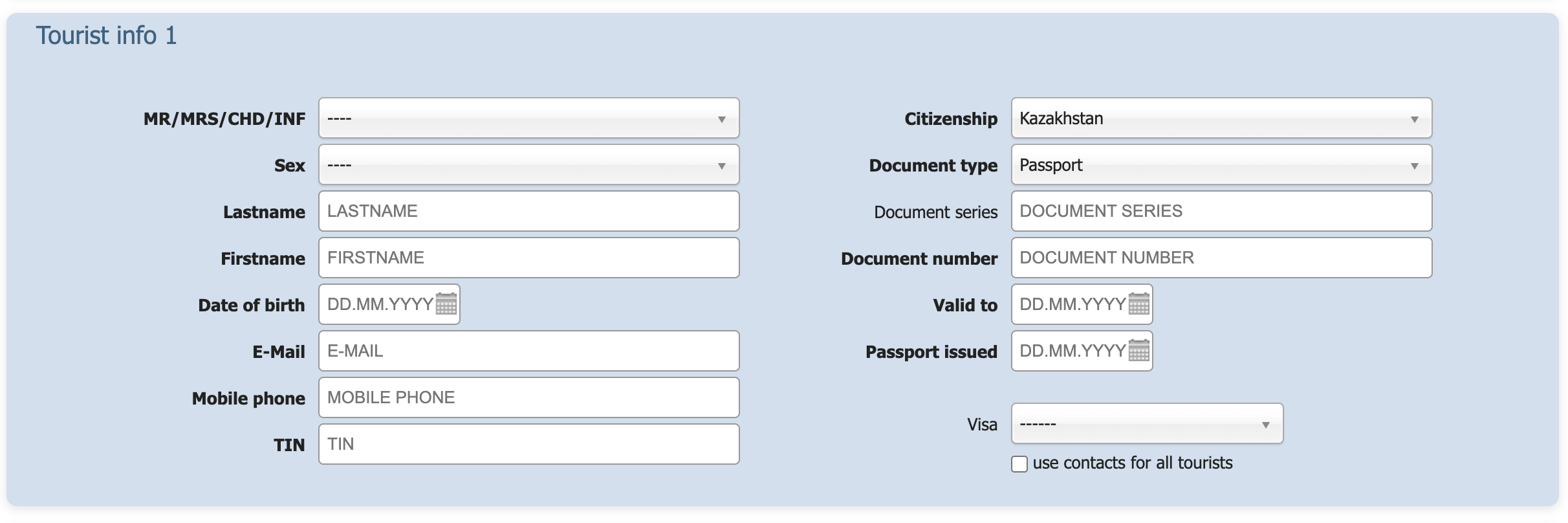
7. To display the final tour price (including the selected flight and additional services), click the “Recalculate” button at the bottom of the page (this can be done without entering passengers’ passport details).
Fill in the passengers’ passport details and the agency’s contact information:
Attention: Passport details must be entered correctly!
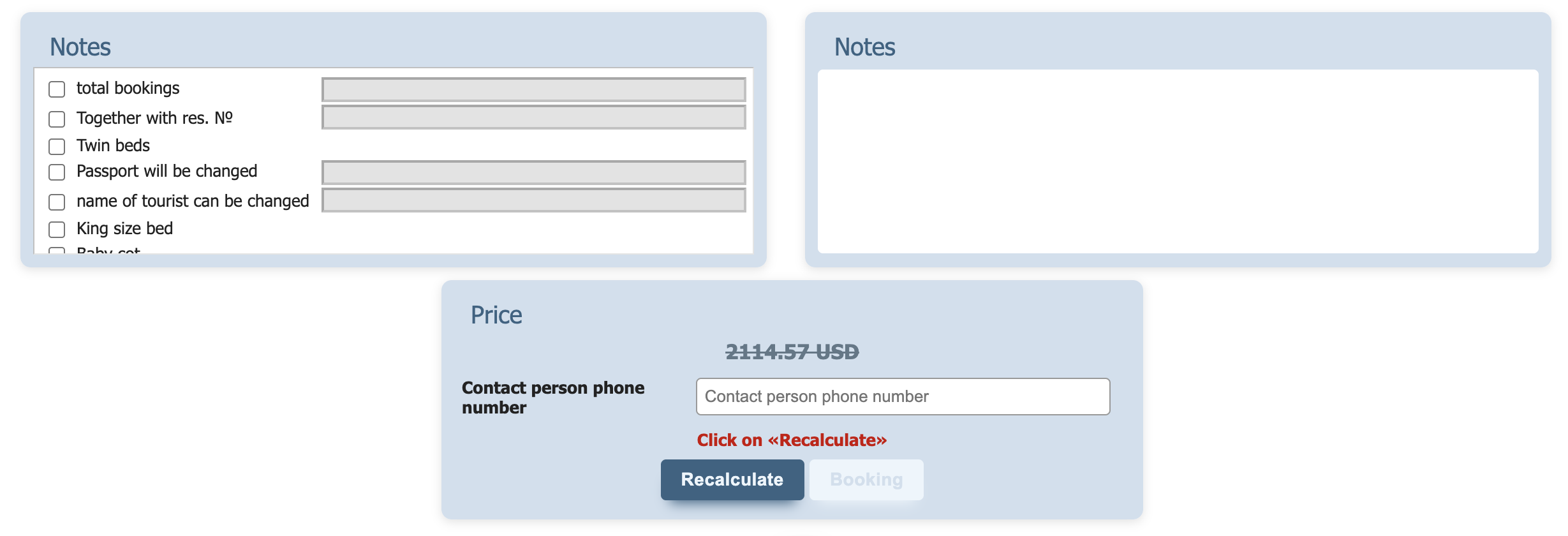
8. The final price and fare rules are displayed:
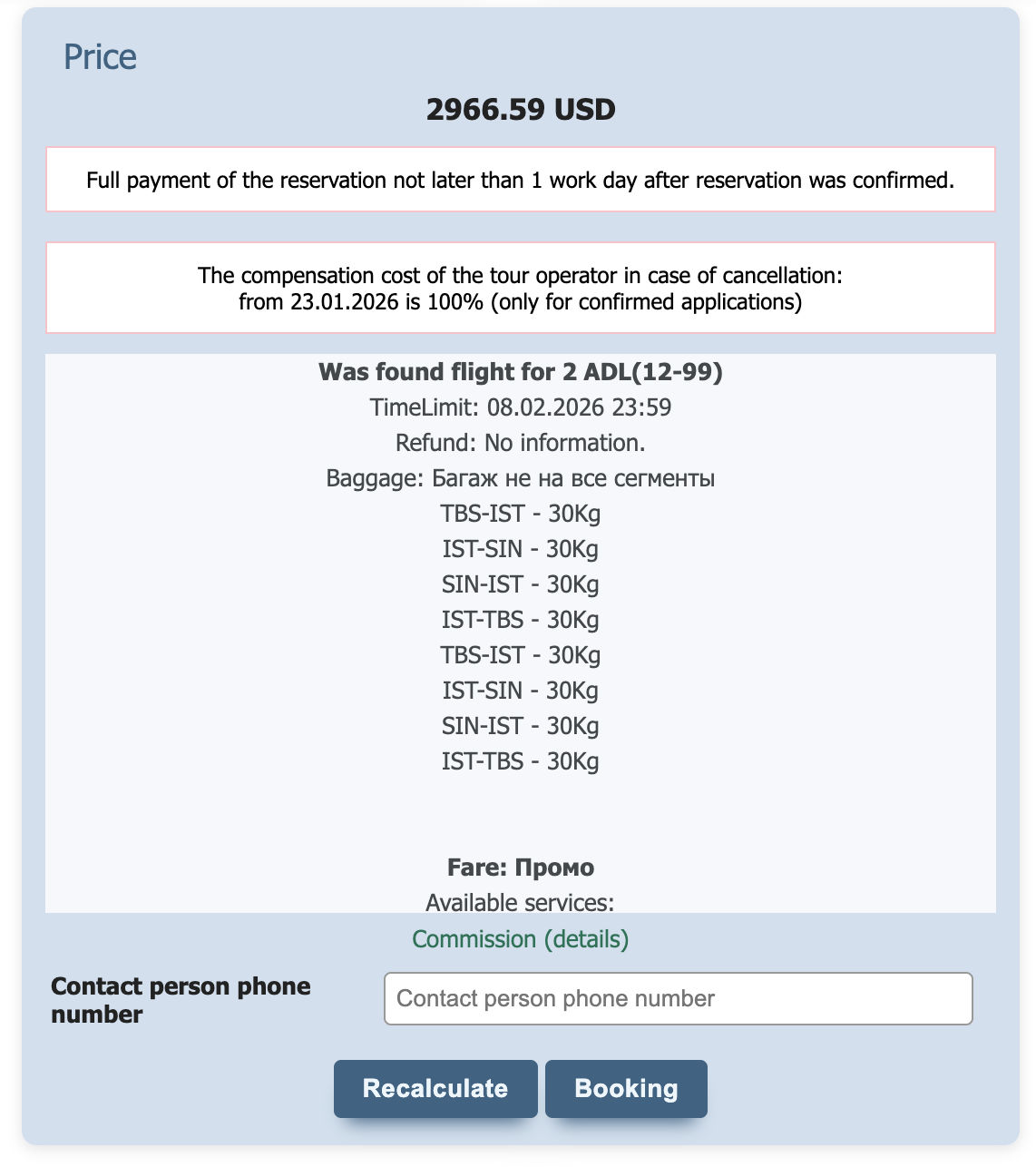
Pay attention to the fare rules and airline carriage conditions.
Click the “Book” button, accept the booking terms, and receive a booking reference number.
*Fares may change upward or downward while entering passport details; therefore, after entering passenger data, you must click the “Recalculate” button to generate the final price.
Please note!!!
*After ticket issuance, passport data corrections may be subject to a penalty.
*After receipt of the prepayment (equal to the airfare cost), ticket issuance for scheduled flights is processed automatically.